Written on 13 November 2013, 05:37pm
Tagged with: DNS, how the web works, smashing magazine, web
A simple trick about nslookup that I learned while reading the Smashing Magazine’s free preview of their Book #4
To start, the full syntax of nslookup is:
nslookup [-option] [hostname] [server]
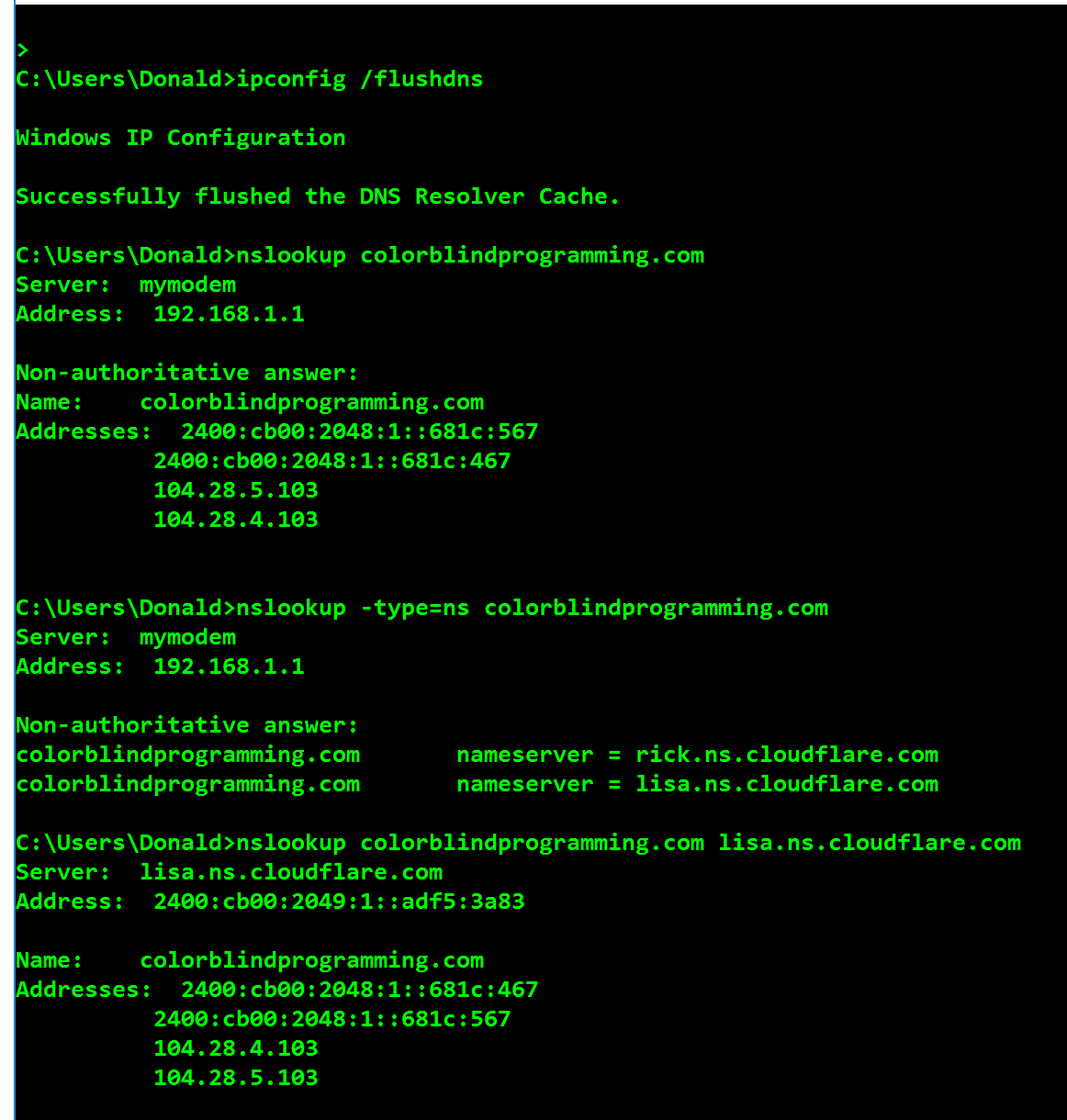
When you run nslookup [hostname], it’s your local DNS server that answers the query. This answer is non-authoritative.
With an additional step, you can get the local name servers of the hostname: nslookup -type=ns [hostname]
Using one of these local DNS servers, you can query again: nslookup [hostname] [local_name_server]. This answer is authoritative.
$ nslookup www.smashingmagazine.com
Server: 194.168.4.100
Address: 194.168.4.100#53
Non-authoritative answer:
Name: www.smashingmagazine.com
Address: 80.72.139.101

$ nslookup -type=ns www.smashingmagazine.com
Server: 194.168.4.100
Address: 194.168.4.100#53
Authoritative answers can be found from:
smashingmagazine.com
origin = a.regfish-ns.net
mail addr = postmaster.regfish.com...

$ nslookup www.smashingmagazine.com a.regfish-ns.net
Server: a.regfish-ns.net
Address: 79.140.49.11#53
Name: www.smashingmagazine.com
Address: 80.72.139.101
To clean the DNS cache, use ipconfig /flushdns.
Paul Tero – How To Fix The Web: Obscure Back-End Techniques And Terminal Secrets
From the same author – Introduction to DNS: Explaining The Dreaded DNS Delay

Update 12/feb/2017: